 CBTedge
×
CBTedge
Specifically designed for JEE/NEET aspirants. Upload your 2-column modules, DPPs, or notes and practice in a real exam environment instantly.
How we transform raw PDFs into interactive exams
Select your PDF. Our engine supports handwritten notes, single-column modules, and complex two-column coaching papers.
We analyze the layout to detect column boundaries, question markers (Q.1, 2...), and option labels (A, B, C, D).
Questions are sliced into precise images. No memory is wasted; images are generated on-the-fly for maximum speed.
Parameters like marking scheme (+4/-1) and timer are applied. Your exam is ready to start in under 10 seconds.
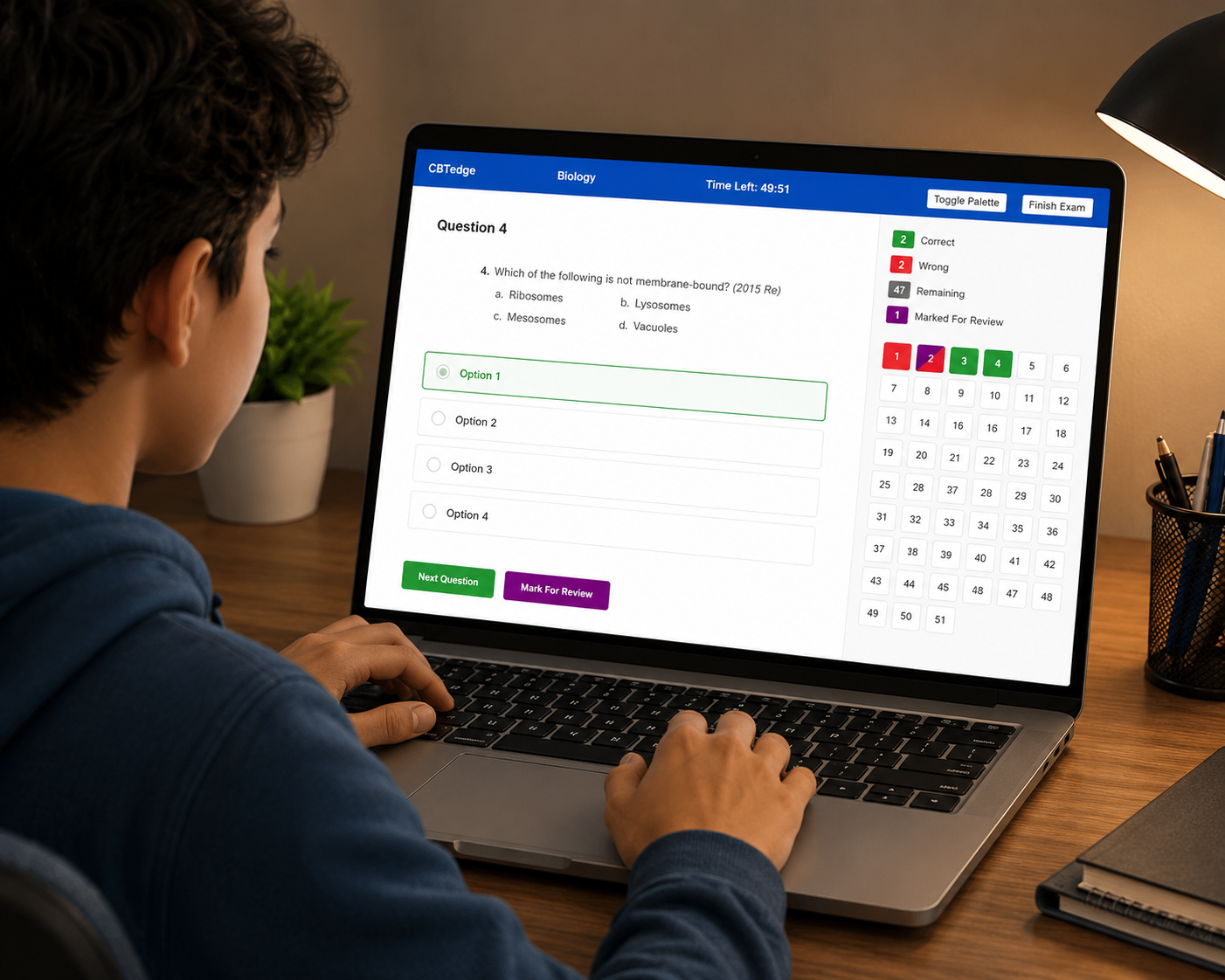
A full-featured exam terminal designed to simulate real competitive exam conditions.
Don't have access to a PC? CBTedge scales perfectly on your smartphone. Experience the same NTA-level testing environment with optimized touch controls.
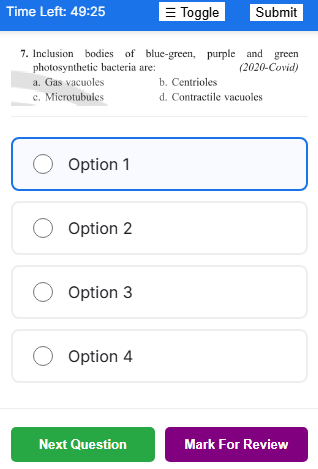
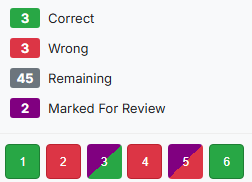
Monitor your performance as you go. Use 'Mark for Review' to cycle back to tough questions, highlighted clearly in your diagonal-split palette.
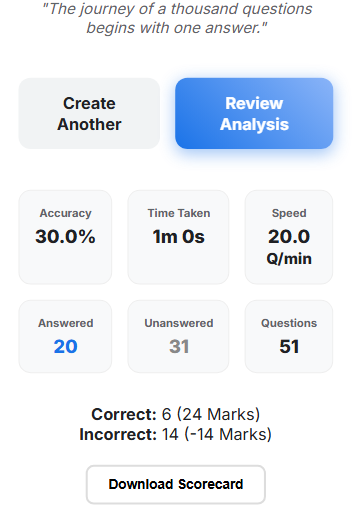
Go beyond just scores. Analyze your accuracy, speed (Q/min), and time distribution. Download formal reports to track your growth week-over-week.
Never lose progress. Whether the tab closes or your battery dies, your responses are instantly synced to your library for seamless resumption.
Always Saved. Always Protected.
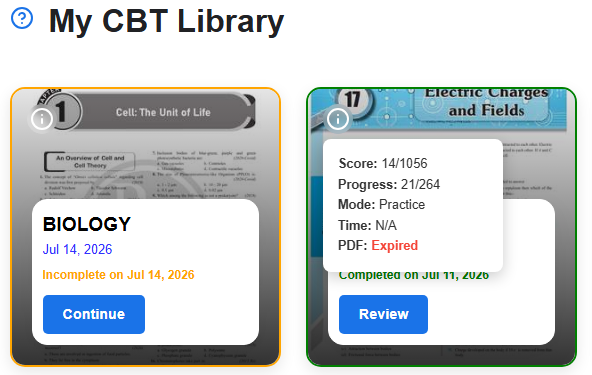
Configuring your paper takes less than 30 seconds.
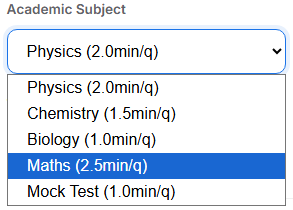
Choose your subject to apply official JEE/NEET timing rules automatically.
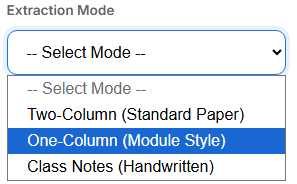
Use Two-Column for standard sheets, One-Column for module styled sheets or Class Notes for handwritten images.
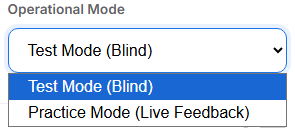
Choose Practice Mode for instant green/red feedback or Test Mode for a blind run.
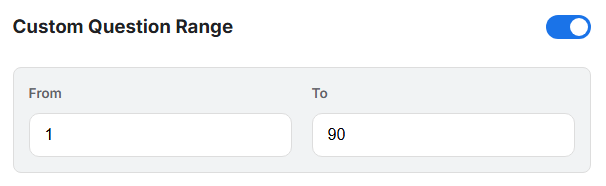
Zero in on specific topics by extracting only a subset of questions from your PDF.